PDF Compressor
Reduce PDF file size in your browser with clear quality and feature trade-offs.
Choose or drop PDF files to begin. Your documents never leave this device.
Important: Medium and High replace each page with a flattened image. Selectable/searchable text, links, forms, accessibility structure, annotations and document metadata are not preserved. Choose Low if these matter. Output can be larger; the tool will report that honestly.
Compression complete
What PDF compression does
A PDF may contain already-compressed JPEG/JPX images, vector artwork, fonts, or scanned pages. Repacking its structure cannot reliably shrink those image streams. The Low option uses existing PDF library support for compressed object streams and reports the measured result; it does not promise savings.
Medium and High render each page locally and encode it as JPEG. This can reduce image-heavy documents, but changes the document: text is no longer selectable, links and forms are removed, and image quality is reduced. Password-protected files and unsupported/damaged PDFs are rejected with a readable status.
Limits: 20 files, 100 MB total input, 100 pages per file, 80 megapixels rendered per file, and 100 MB total output. Large PDFs can require substantial browser memory. Keep your original if you need editable/searchable content.
Related tools
Merge PDF
Combine and reorder multiple PDFs into one document — 100% free, no login.
Free · No loginSplit PDF
Split a PDF by ranges or extract pages in your browser — no uploads.
Open free toolJPG to PDF
Combine JPG images into one PDF in your browser — 100% free, no login required.
Free · No loginOne PDF, two very different compression results
Our synthetic, image-heavy, one-page PDF was 664,403 bytes. We tested Low and High separately to show why the tradeoff matters.
| Mode | Measured output | What changes |
|---|---|---|
| Low | 664,157 bytes, less than 0.1% smaller | Structural rewrite. Existing image data is not recompressed. |
| High | 54,602 bytes, 91.8% smaller | Each page becomes a 110 DPI JPEG at quality 58%. Selectable text and interactive features are lost. |
Download the original example PDF, then test each mode in a separate run. Keep Low if preserving supported PDF objects matters more than file size. High may help an image-heavy scan, but it is not the right choice when searchable text, links, forms or accessibility structure must remain.
Compare our saved outputs: Low PDF and High PDF. Keep your original document in every case.
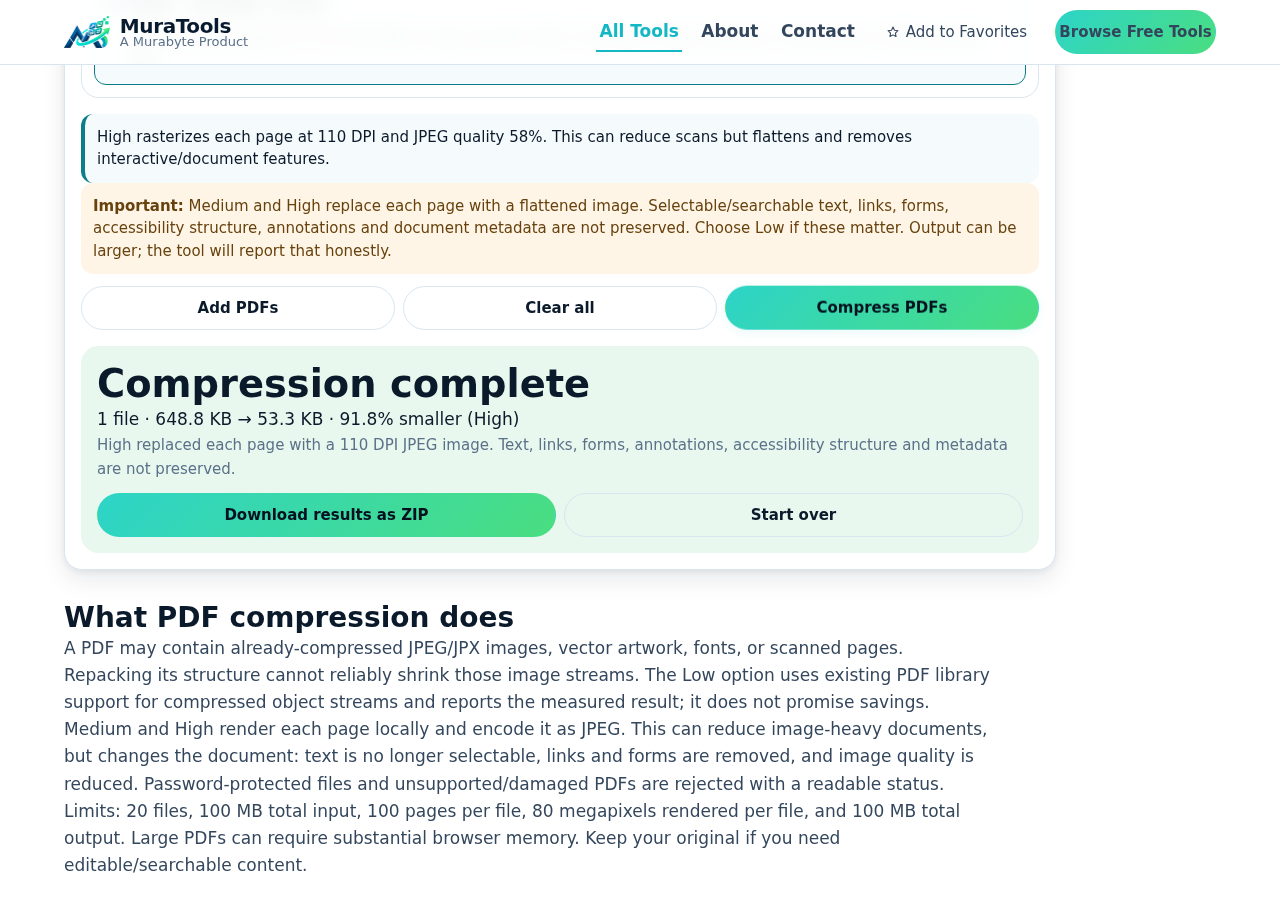
Measured in Chrome on 22 November 2026 using synthetic files made for MuraTools. These files contain no personal information. Browser codecs and your own files can produce different sizes and results. The examples are not a promise of a particular saving.
Step-by-step guide
Read the PDF Compressor guide for the actual controls, supported files, limits and things to check before using the result.