PDF to JPG
Turn PDF pages into JPG images in your browser — 100% free, no login.
Upload PDF
Drag and drop or browse. Files never leave your device.
Export options
Adjust resolution and quality. Higher values increase size.
Pages
Select individual pages or all pages. Thumbnails load progressively.
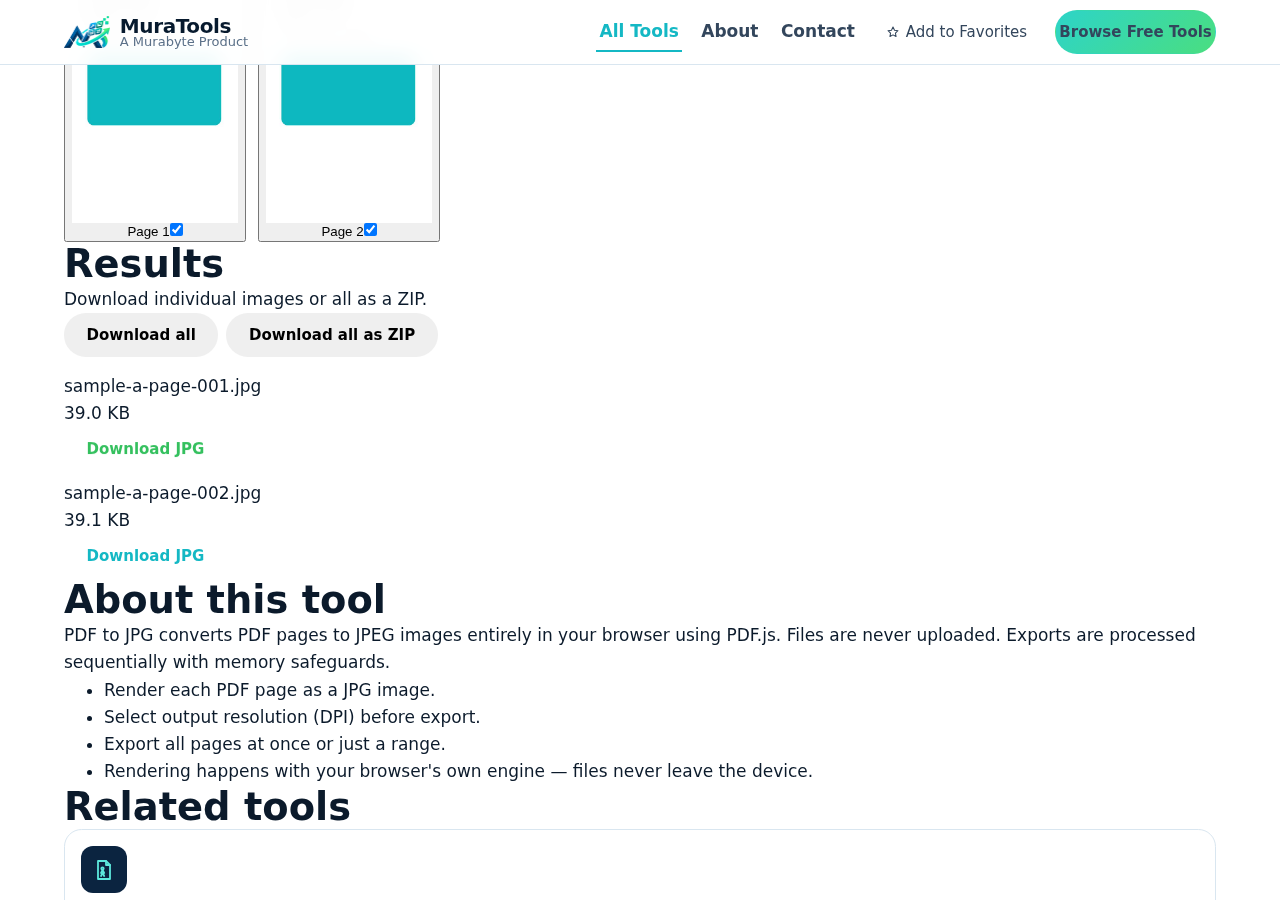
Results
Download individual images or all as a ZIP.
About this tool
PDF to JPG converts PDF pages to JPEG images entirely in your browser using PDF.js. Files are never uploaded. Exports are processed sequentially with memory safeguards.
- Render each PDF page as a JPG image.
- Select output resolution (DPI) before export.
- Export all pages at once or just a range.
- Rendering happens with your browser's own engine — files never leave the device.
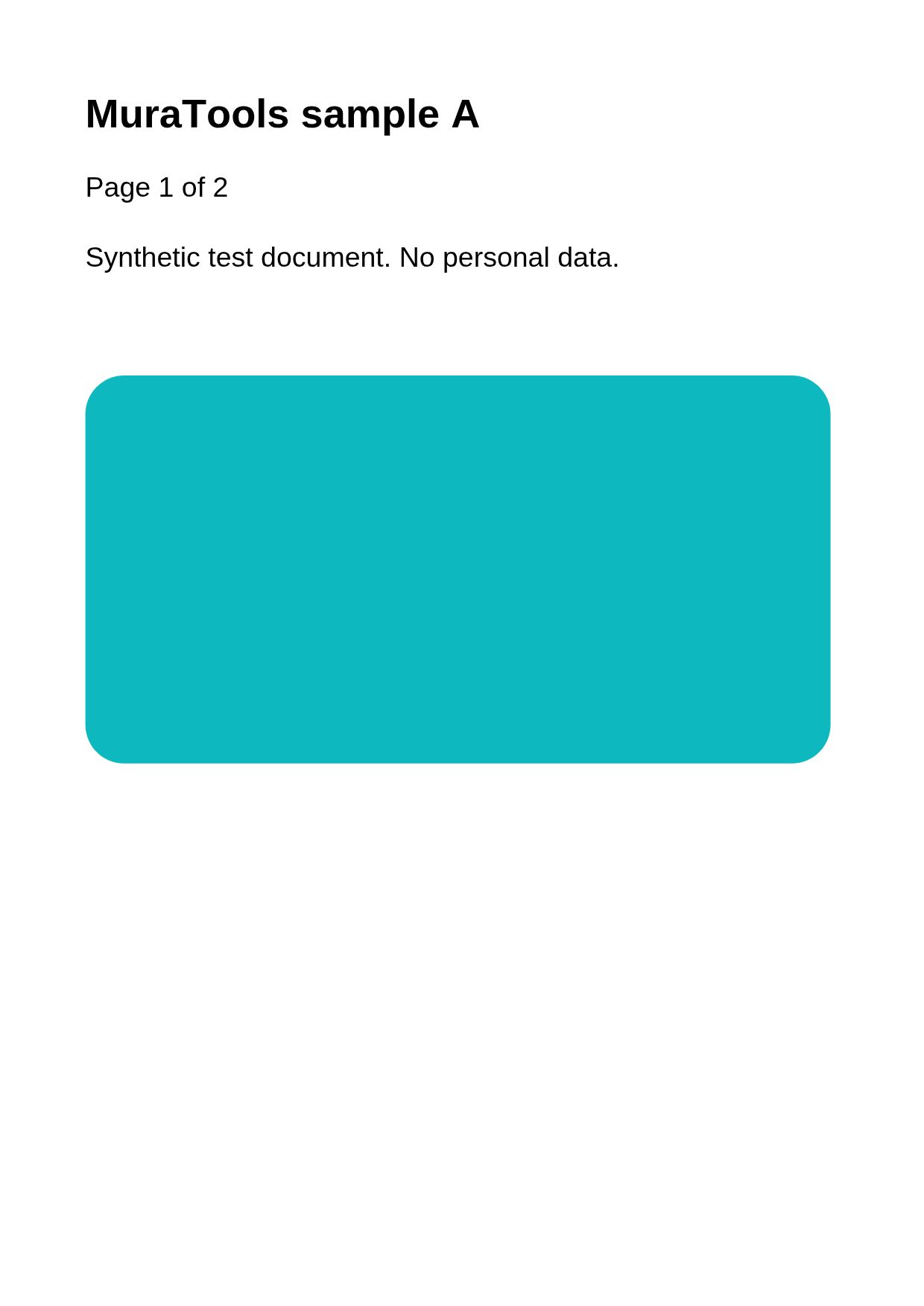
Turn a two-page PDF into two JPGs
We opened this two-page sample PDF at 150 DPI and JPEG quality 80%. The tool generated two JPG download links. The first saved image measured 1240 by 1753 pixels and 39,926 bytes.
Try the same sample, check both page selections, then save an individual JPG or download the images as a ZIP. Download our first-page JPG for comparison.
JPG pages are images, not editable or searchable PDF text. This tool does not run OCR. At the same DPI, a larger physical PDF page needs more pixels and memory, so the result size depends on the source page.
Measured in Chrome on 22 November 2026 using synthetic files made for MuraTools. These files contain no personal information. Browser codecs and your own files can produce different sizes and results. The examples are not a promise of a particular saving.
FAQ
Is PDF to JPG free?
Yes. Convert supported PDF pages to JPG in your browser with no login or payment.
Is my PDF uploaded?
No. PDF parsing, page rendering and JPG creation happen locally in your browser.
Which files and page counts are supported?
Choose one unencrypted PDF, up to 100 MB and 100 pages. Damaged or unsupported PDFs are rejected with an explanation.
Can I export only selected PDF pages?
Yes. Select or clear individual pages, choose the DPI and JPEG quality, then export the selected pages.
How do I download the JPG images?
Use Download JPG beside an individual result, Download all for separate images, or Download all as ZIP when two or more images are ready.