
100% free · No login · No subscription · No installation
HTML to Markdown Converter
Convert HTML to Markdown locally — 100% free, no login required.
Input
Paste your data and get results instantly. Processing happens locally in your browser for supported conversions — your input is not uploaded by this tool.
Output
The output is generated locally and remains on this device.
About this free html to markdown converter
Convert HTML content to Markdown in your browser. 100% free, no login, no subscription. Active content is omitted; runs locally.
- Convert headings, paragraphs, emphasis, links, images, lists, quotes and code blocks.
- Omit script, style, iframe and other active or non-content elements.
- Keep conversion local and provide downloadable Markdown.
- Use the browser HTML parser; this is a content converter, not a lossless HTML round trip.
Privacy & local processing: this tool runs in your browser. Your input is processed on your device and is not uploaded by the tool. For mission-critical validation, use the appropriate full standards validator for your workflow.
A nested-list example you can check
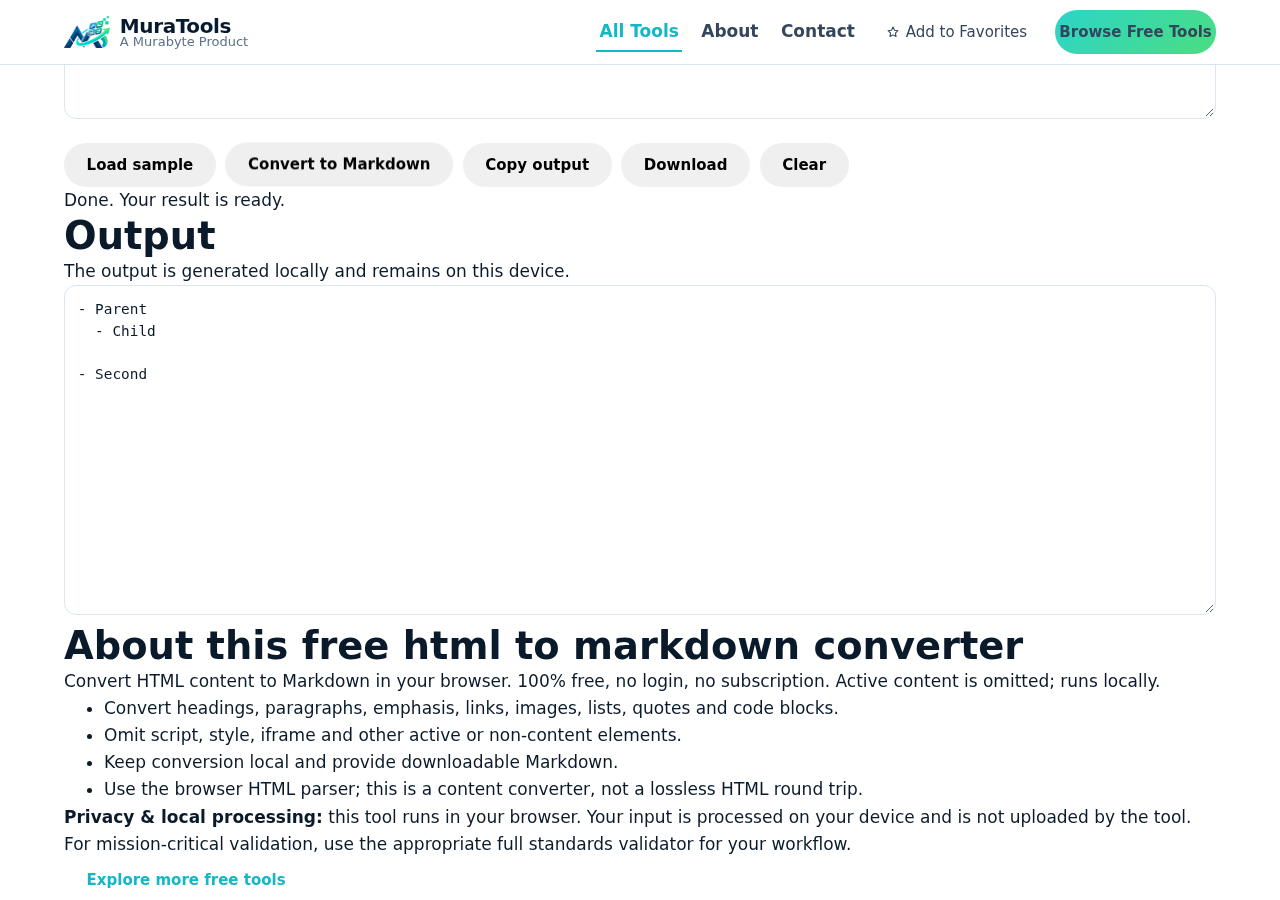
Paste this HTML into the input above, then choose Convert to Markdown. The parent, child and second item should remain separate.
HTML input
<ul><li>Parent<ul><li>Child</li></ul></li><li>Second</li></ul>Markdown output
- Parent
  - Child

- Second
The child has two leading spaces. A blank line before the final item is valid Markdown. Check the rendered result in your Markdown editor before publishing it.
Download the HTML input as text or the measured Markdown output. This is content conversion, not a lossless HTML round trip: scripts, styles and other active content are omitted.
Measured in Chrome on 22 November 2026 using synthetic files made for MuraTools. These files contain no personal information. Browser codecs and your own files can produce different sizes and results. The examples are not a promise of a particular saving.